Blog
Xendoll has 22 years of experience in the production of small machine tools. We will help you choose the suitable machine and share our experience in CNC machining with you.

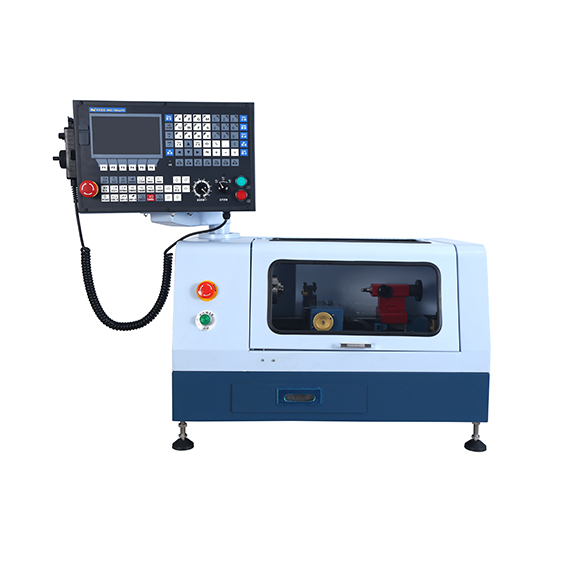
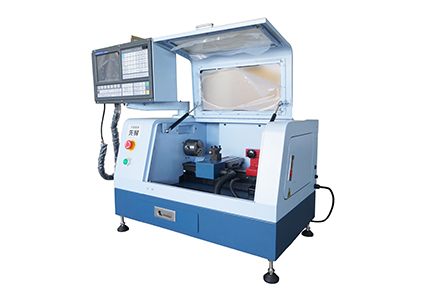
▸High performance 2 axis Lathe CNC controller.| ▸8 inches color screen, interface can be made of parameter selection in both Chinese and English.| ▸The standard spec includes MPG hand wheel.| ▸Selection of high -quality casting materials, more compact, High strength guide way.| ▸Automatic 4 positions tool post.| ▸Controller auto stop work when door open.| ▸High quality 2 axis AC Servor Motor.| ▸USB and RS232 port, DNC function of USB.| ▸Control speed of G code.| ▸Best choice for DIY or Hobby user and Education & Training CNC.|
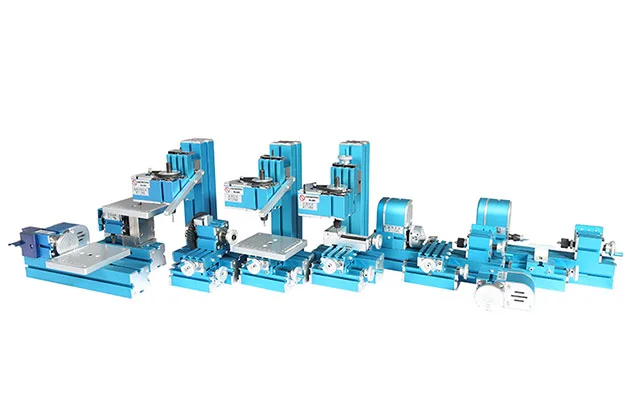
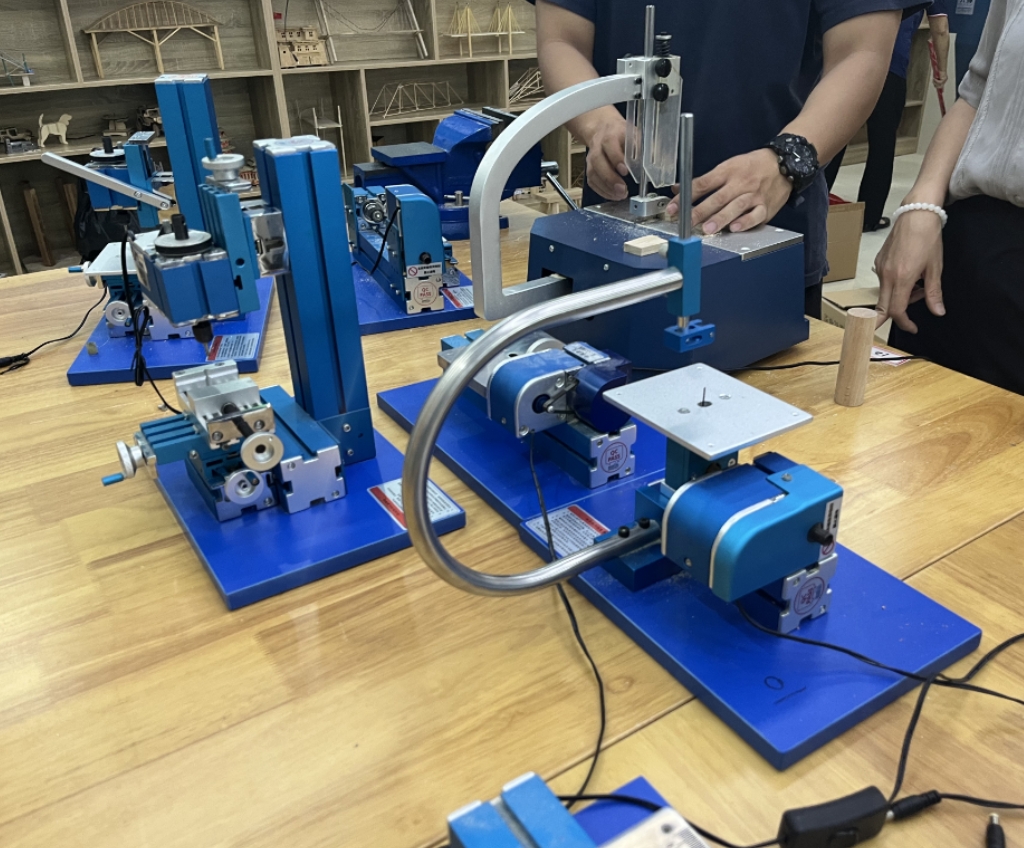
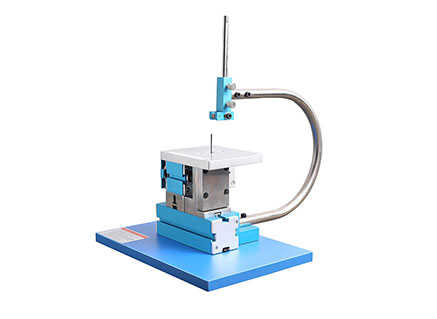
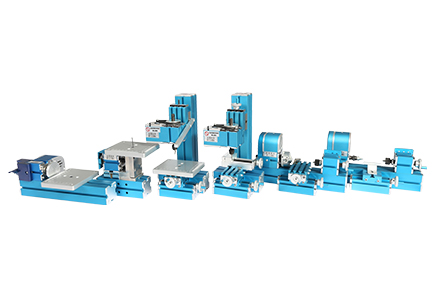
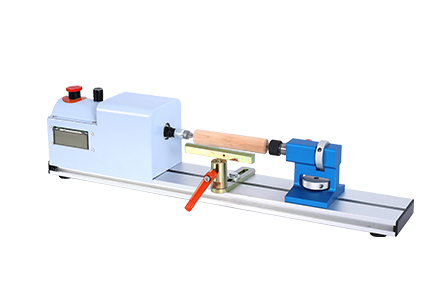
Metal Jigsaw | Metal woodturning Machine| Metal lathe Machine | Metal Milling Machine| Metal Drilling Machine| Metal Sanding Machine| Metal On-hand machine| Metal Drilling machine with dividing attachment


Xendoll has 22 years of experience in the production of small machine tools. We will help you choose the suitable machine and share our experience in CNC machining with you.
 Jun 12, 2026
 XENDOLL
 504
504
Keywords: # Small CNC Machine Tool, # Desktop CNC Machine Tool, # Small Teaching CNC Milling Machine, # Small Teaching Machining Center, # Desktop CNC Lathe
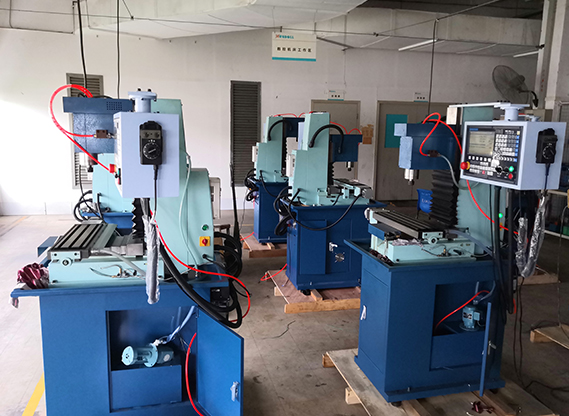
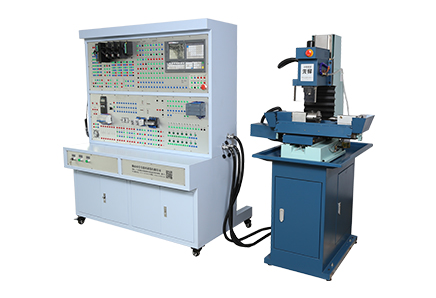
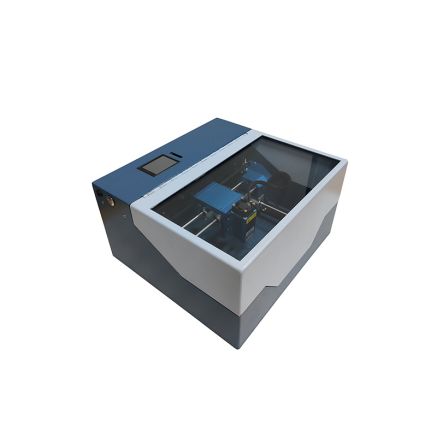
In recent years, as the intelligent manufacturing industry continues to drive up demand for skilled talent, CNC training facilities in vocational schools and training institutions have been rapidly upgrading. Among the emerging favorites in the educational equipment sector is the desktop CNC milling machine, thanks to its small footprint, low cost, and high safety.
Traditional CNC milling machines occupy significant floor space and come with high price tags—often costing over a hundred thousand yuan per unit, placing considerable pressure on school budgets. In contrast, desktop CNC milling machines keep the worktable within a compact range, are lightweight, and can fit on a standard desk. This compact form factor aligns perfectly with the core needs of teaching environments: enabling students to get hands-on, rather than crowding around a single machine while the instructor demonstrates.
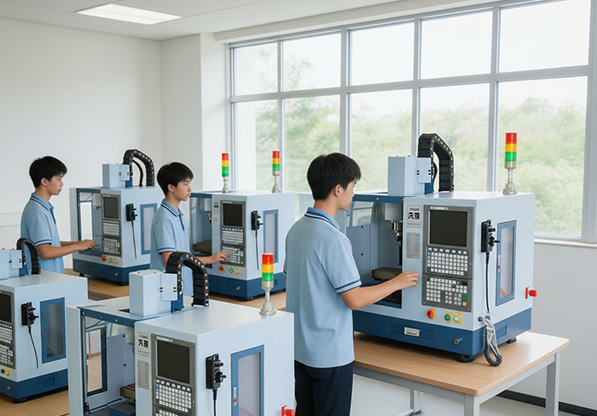
The key difference between educational CNC milling machines and industrial-grade equipment is not a reduction in functionality, but a different design philosophy. Teaching equipment emphasizes "sufficient capability, safety, and ease of use." Desktop models typically use stepper or servo motors, and their machining accuracy meets the requirements for processing common teaching materials such as aluminum alloys, acrylic, and engineering plastics. Students can complete the entire workflow—from programming and tool setting to actual cutting—right in the classroom. This is far more effective than learning solely through simulation software.
Many assume that CNC training is just about learning a few lines of code and pressing a few buttons. In reality, it trains a complete set of engineering thinking: reading blueprints, selecting tools, defining processes, writing programs, adjusting parameters, and inspecting finished parts. A mistake in any step ruins the workpiece. Because desktop CNC milling machines use inexpensive materials and have low trial-and-error costs, they are ideal for repeated student practice. Even with a class of over twenty students, each producing just one part a day, the accumulated hands-on experience over a semester is impressive.
Moreover, the safety features of desktop equipment give instructors peace of mind. Low spindle speeds, small depths of cut, and protective covers significantly reduce risks during student training—a very practical consideration for classroom management.
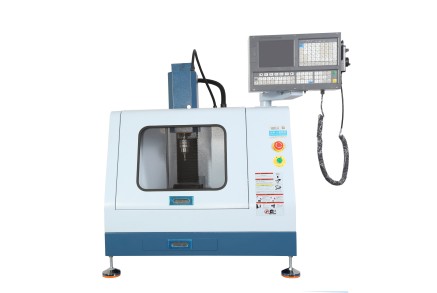
C19B Desktop Educational Compact CNC Milling Machine
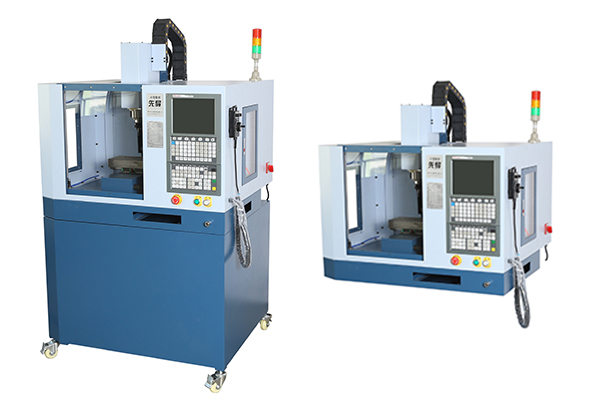
Technical Specifications:
Parameter Value
X/Y/Z Axis Travel:300 / 130 / 200 mm
Worktable Size:460 × 110 mm
Max. Drilling Diameter:13 mm
Max. Milling Diameter:30 mm
Spindle Center to Column Distance :170 mm
Spindle Nose to Worktable Distance:70–280 mm
T-Slot Size:12 mm – 3 slots
Rapid Traverse Speed (X/Y/Z):6000 mm/min
Spindle Motor Power :1.1 kW
Power Supply:AC220V / 50Hz
CNC System Industrial-grade CNC system
Net / Gross Weight:160 / 190 kg
Overall Dimensions:1110 × 930 × 1027 mm
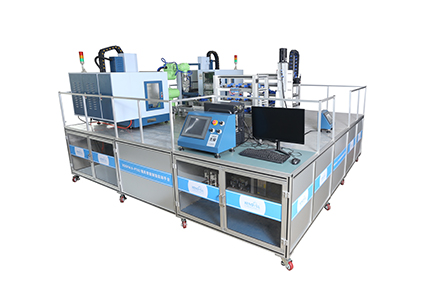
More and more schools are no longer purchasing single devices in isolation. Instead, they are building complete training systems around desktop CNC milling machines—integrating CAM software, simulation systems, and assessment platforms to form a "virtual-actual combined" teaching closed loop. In this ecosystem, the small CNC milling machine serves as the bridge that takes students from the virtual world into the real manufacturing floor.
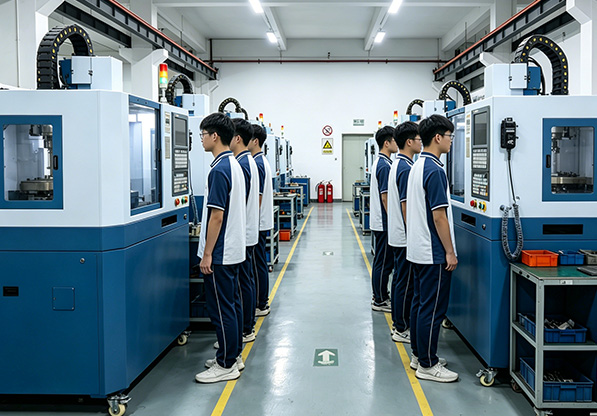
The true value of CNC training lies in whether students can step into a job and solve real-world problems. A desktop CNC milling machine may not be able to produce large molds, but it gives every student the chance to touch a real machine tool and machine their very first part. That zero-to-one experience is precisely what teaching equipment should deliver.
Welcome to our video link:
YouTube: Xendoll
Facebook: Xendoll
WEB:www.xendolltools.com


 Show all our samples
Provide you with a free quote
Answer all the questions you may have
Guided installation and other options
Show all our samples
Provide you with a free quote
Answer all the questions you may have
Guided installation and other options